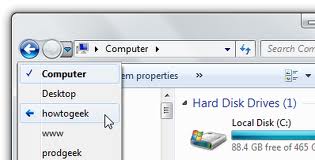
In Windows Explorer, when the selection is in the left (or folder) frame, Hitting BACKSPACE is the same as using the LEFTARROW key, except BACKSPACE does not collapse folder views and the LEFTARROW key does. Try moving around in the left frame of Windows Explorer. Use the arrow keys to see what they do.