

Google has expanded the availability of Gemini Gems in Workspace, making it easier for users to access personalized AI assistance directly from popular apps like Docs, Slides, Sheets, Drive, and Gmail. Previously limited to the Gemini app, these smart assistants are now integrated into the side panel of Workspace tools, helping users streamline tasks without switching between platforms.

What Are Google Gemini Gems?
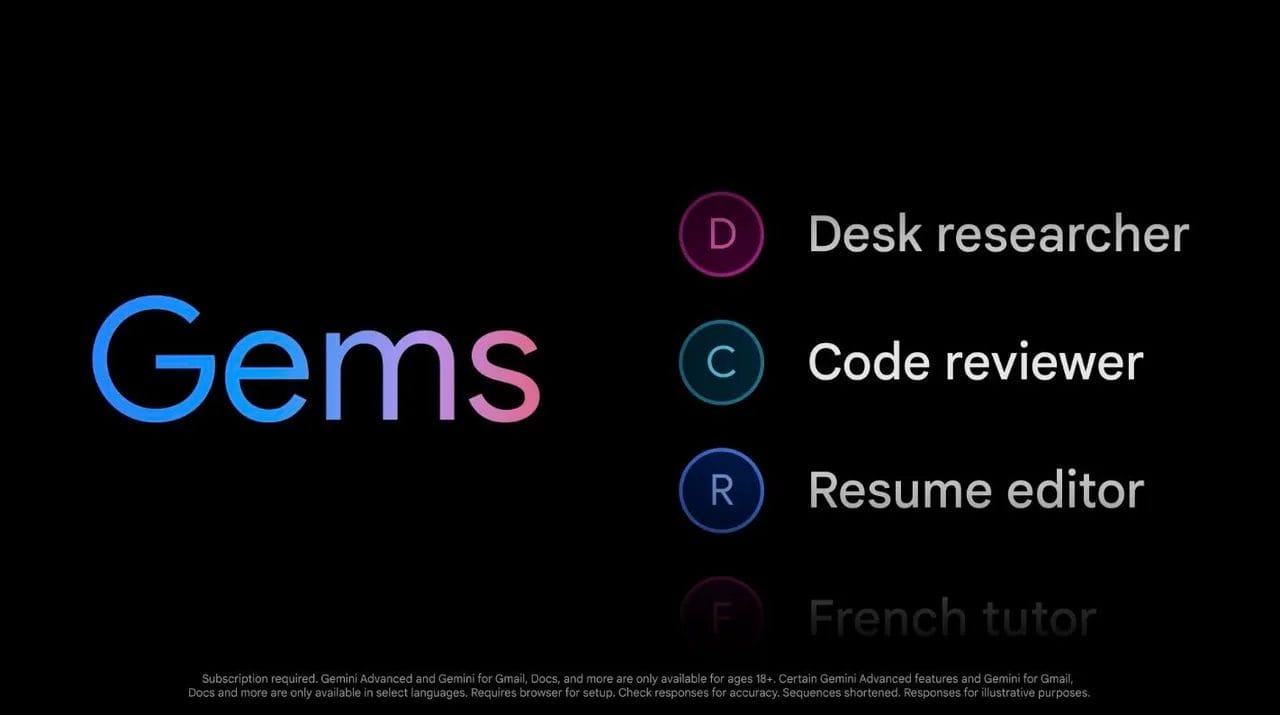
Gems are customizable versions of Google’s Gemini AI assistant, tailored to perform specific tasks efficiently. Users can create their own Gems with dedicated roles, such as copywriting, summarizing documents, or helping with exam prep. Additionally, Google offers a library of pre-made Gems for common workflows, such as:
- Editing and proofreading content
- Writing code or product descriptions
- Drafting emails and pitches
- Creating audience-specific sales ideas
By minimizing repetitive prompts, Gems aim to help users get more done with less friction.
How Google Gemini Gems Work in Workspace
With this update, users can now interact with Gems directly from the side panel in Workspace apps. While you can’t build new Gems inside Docs or Sheets, you can easily access existing ones and even launch the Gem creation flow via a shortcut in the panel. Gemini users can also upload supporting documents or content that the Gem can reference, making responses more accurate and task-specific.
Some example use cases include:
- Copywriting Support: Use a Gem fine-tuned to your brand voice to generate blog posts or social content.
- Sales Enablement: Deploy a sales Gem trained on a company’s materials to help draft pitches or proposals.
- Executive Comms: Use Gems trained to match C-Suite personas to test tone and refine messaging.
- Internal Summaries: Let a personalized assistant Gem create summaries of shared documents and team updates.
All Gems—custom or pre-made—support Workspace functionalities like file mentions and folder access, enabling smoother collaboration across teams.
Availability
This feature is rolling out to all Workspace users with access to Gemini in side panels. The rollout began on July 2, 2025, and may take more than 15 days to reach all users. Custom Gems can still be created by visiting gemini.google.com/gems/create or selecting “Create a new Gem” from the Workspace side panel.
By bringing Google Gemini Gems to Workspace, Google is positioning Gemini as a fully embedded productivity companion. For teams and individuals who want to save time and boost efficiency, this update offers a smart new way to get more done without leaving your document or spreadsheet.